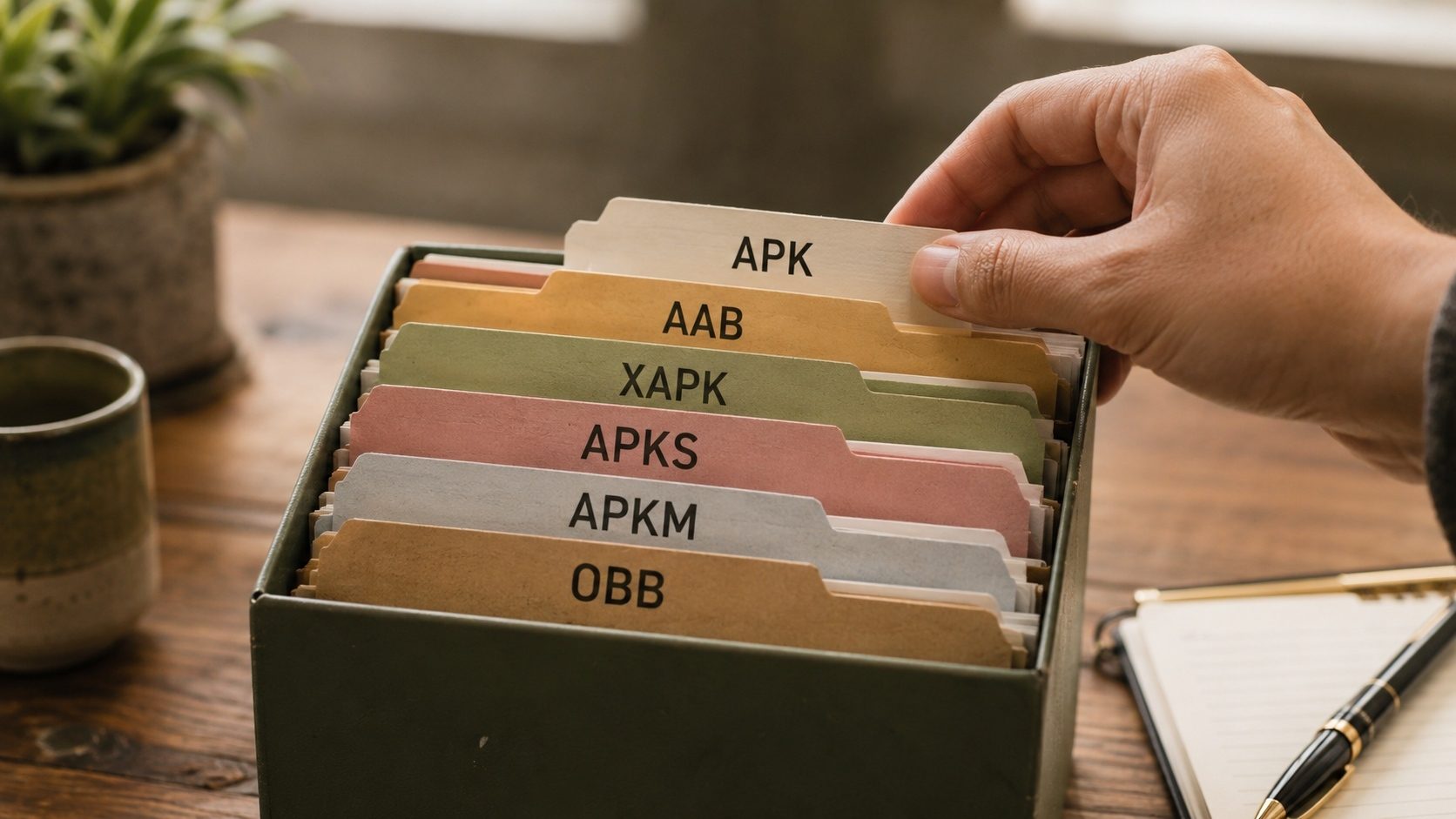
The Android ecosystem uses a variety of file formats for packaging, distributing, and storing app data. If you have ever downloaded an app from a third-party source, you have likely encountered file extensions beyond the familiar APK. Formats like XAPK, APKS, APKM, AAB, and OBB each serve a specific purpose in the Android app lifecycle.
This guide is meant to be a complete reference for every major Android file format. Developers, power users who sideload apps, and curious readers who just want to know what these files actually contain will all find each format explained in plain language below.
APK: Android Package Kit
The APK is the foundational file format for Android applications. It has been the standard installation format since Android's inception and remains the format that the Android operating system natively understands for app installation.
What It Contains
An APK file is essentially a ZIP archive with a specific internal structure:
AndroidManifest.xml, Binary XML file declaring the app's package name, components, permissions, and requirementsclasses.dex(andclasses2.dex, etc.), Compiled Dalvik bytecode containing the app's Java/Kotlin coderesources.arsc, Compiled resource table mapping resource IDs to their valuesres/, Directory containing resources like layouts, drawables, and strings that are referenced by IDassets/, Raw asset files accessed by the app at runtime through the AssetManagerlib/, Native libraries organized by CPU architecture (e.g.,lib/arm64-v8a/)META-INF/, Signature files and certificate information
When You Encounter It
APK files are what you download when sideloading apps from third-party sources. They are also what gets installed on your device from the Play Store, though modern Play Store installations often use split APKs generated from App Bundles.
How to Handle It
APK files can be directly installed on Android by opening them with a file manager or using adb install. You can also examine their contents by renaming the extension to .zip and extracting, or by using our APK Verifier to inspect signatures and metadata.
AAB: Android App Bundle
The Android App Bundle is Google's publishing format for the Play Store. Since August 2021, all new apps on the Play Store must be submitted as AABs rather than APKs.
What It Contains
An AAB file uses a protocol buffer-based format and contains:
- Base module: Core app code and resources required on every device
- Configuration splits: Resources organized by screen density, CPU architecture, and language
- Dynamic feature modules: Optional features that can be downloaded on demand
- Bundle metadata: Instructions for Google Play on how to generate device-specific APKs
When You Encounter It
As a regular user, you typically do not encounter AAB files directly. They are used by developers during the build and upload process. However, if you obtain an AAB file (perhaps from an open-source project's build artifacts), you need to convert it to APK format before installation.
How to Handle It
Use Google's bundletool command-line utility or our AAB to APK converter to generate an installable APK from an AAB file. The conversion process creates either a universal APK (larger, works everywhere) or device-specific APKs (smaller, device-targeted).
XAPK: Extended APK
XAPK is a container format popularized by APKPure that bundles an APK together with its associated OBB data files or split APK configurations into a single downloadable package.
What It Contains
An XAPK file is a ZIP archive containing:
- A base APK file (the main application)
- OBB files (expansion data for games and large apps)
- Optionally, split APK files for different device configurations
- A
manifest.jsonfile describing the package contents and installation instructions - An icon file for display purposes
When You Encounter It
You encounter XAPK files when downloading large apps or games from third-party app repositories. Games that require additional data files (previously distributed as OBB files) are commonly packaged as XAPKs to simplify the download process into a single file.
How to Handle It
XAPK files cannot be directly installed by Android's default package installer. You need either a dedicated XAPK installer app or you can use our XAPK to APK converter to extract the base APK. For games that require OBB data, you will also need to extract and place the OBB files in the correct directory using our OBB Extractor.
APKS: APK Set
The APKS format is the output of Google's bundletool when generating device-specific APKs from an AAB file. It is also used by some app backup tools to store split APK installations.
What It Contains
An APKS file is a ZIP archive containing:
toc.pb, A protocol buffer table of contents describing the split structuresplits/, Directory containing the base APK and all configuration split APKs- Optionally, standalone APKs for devices that do not support split installations
When You Encounter It
You encounter APKS files when using bundletool locally, when backing up apps installed from the Play Store, or when downloading from certain third-party repositories that preserve the split APK structure.
How to Handle It
You can install APKS files using bundletool's install-apks command or convert them to a single APK using our APKS to APK merger. Note that merging split APKs into a universal APK may increase the file size since all configuration resources are combined.
APKM: APKMirror Package
APKM is a proprietary container format created by APKMirror for distributing apps that consist of multiple split APKs. It serves a similar purpose to XAPK and APKS but uses APKMirror's own structure.
What It Contains
An APKM file is a ZIP archive containing:
- A base APK file
- Split APK files for various configurations (density, ABI, language)
- A metadata file describing the package structure
When You Encounter It
You encounter APKM files exclusively when downloading from APKMirror. The site uses this format for apps that are distributed as App Bundles on the Play Store and therefore consist of multiple split APKs.
How to Handle It
APKM files require the APKMirror Installer app for direct installation, or you can extract the contents (since it is a ZIP file) and install the split APKs manually using ADB's install-multiple command. The base APK can also be extracted and installed standalone, though some functionality may be limited without the configuration splits.
OBB: Opaque Binary Blob
OBB files are expansion files used by Android apps (primarily games) to store large amounts of data that exceed the Play Store's APK size limit. Although Google has largely replaced this system with Play Asset Delivery, many existing apps still use OBB files.
What It Contains
OBB files can contain any type of data the app needs:
- Game textures and 3D models
- Audio files and soundtracks
- Video content
- Level data and maps
- Any large binary data the developer chooses to store externally
The format of the data within an OBB file is entirely up to the developer. Some use ZIP compression, others use custom binary formats. The "Opaque" in the name reflects that Android treats the file as a black box.
When You Encounter It
OBB files are encountered when sideloading large games or when they are bundled within XAPK packages. They are stored at /Android/obb/[package.name]/ on the device's shared storage.
How to Handle It
OBB files must be placed in the correct directory for the app to find them. The filename typically follows the pattern main.[version].[package.name].obb or patch.[version].[package.name].obb. Use our OBB Extractor to extract OBB files from XAPK packages.
DEX: Dalvik Executable
DEX files contain the compiled bytecode that runs on Android's runtime environment. They are found inside APK files but can also exist independently during development and debugging.
What It Contains
A DEX file contains:
- Compiled Java/Kotlin bytecode in Dalvik instruction format
- String constants and type definitions
- Method and field references
- Class definitions and their hierarchies
Technical Details
A single DEX file has a 65,536 method reference limit (the "64K limit"). Apps that exceed this limit use multiple DEX files (classes.dex, classes2.dex, etc.), a technique called multidex. Modern build tools handle this automatically.
ODEX, VDEX, and ART Files
These are optimized versions of DEX files created by the Android Runtime during or after installation:
- ODEX (Optimized DEX): Contains ahead-of-time compiled native machine code for frequently used methods. Generated during idle maintenance based on usage profiles.
- VDEX (Verified DEX): Contains the verified DEX bytecode with pre-computed verification results. This speeds up subsequent boots and app launches by skipping re-verification.
- ART (Android Runtime Image): Contains pre-initialized class objects and heap data. This allows the runtime to skip class loading and initialization for common framework classes during startup.
These files are system-generated and not something users typically interact with directly. They are stored in /data/dalvik-cache/ or alongside the APK in /data/app/.
SO: Shared Object (Native Libraries)
Files with the .so extension are native shared libraries compiled for specific CPU architectures. They contain machine code written in C, C++, or Rust that runs directly on the processor without the overhead of the Dalvik/ART runtime.
Architecture Variants
armeabi-v7a, 32-bit ARM (most older devices)arm64-v8a, 64-bit ARM (most modern phones)x86, 32-bit Intel/AMD (some tablets and emulators)x86_64, 64-bit Intel/AMD (Chromebooks and emulators)
When an APK contains native libraries, it must include the correct architecture for the target device. If the wrong architecture is included, the app will crash with an UnsatisfiedLinkError.
XML Files in Android
Android uses XML extensively, but in two different forms:
Binary XML
Inside APK files, XML resources (layouts, manifests, string files) are stored in a compiled binary format called AXML. This format is more compact and faster to parse than text XML. Tools like aapt2 or apktool can decompile binary XML back to readable text.
Text XML
During development, XML files are in standard text format. The build process compiles them to binary XML for inclusion in the APK. Configuration files like network_security_config.xml and resource files in the res/ directory start as text XML.
ProGuard/R8 Mapping Files
While not an Android-specific format, mapping files (mapping.txt) are important for understanding obfuscated apps. When developers use code shrinking tools like R8, class and method names are replaced with short, meaningless identifiers. The mapping file records the original-to-obfuscated name translations, essential for reading crash reports.
Android Backup Format (AB)
Files with the .ab extension are Android backup archives created by adb backup. They contain a tar archive (optionally compressed and encrypted) of an app's data directory. This format is being deprecated in favor of cloud-based backup solutions but is still used by some backup tools.
IMG and Partition Images
While not app-related, Android system images use several formats worth mentioning:
- system.img: The read-only system partition containing the Android framework and pre-installed apps
- boot.img: Contains the Linux kernel and initial ramdisk
- vendor.img: Hardware-specific drivers and firmware
- super.img: Dynamic partition container used in modern devices (Android 10+)
Format Comparison Table
Here is a quick reference comparing the main app distribution formats:
- APK: Single file, directly installable, universal (all configs included), larger size
- AAB: Publishing format, not directly installable, requires processing by Play Store
- XAPK: Container (APK + OBB/splits), requires installer or extraction, used by APKPure
- APKS: Container (split APKs), bundletool format, requires installer or merger
- APKM: Container (split APKs), APKMirror format, requires their installer
Choosing the Right Tool
Depending on which format you are working with, different tools are appropriate:
- Have an XAPK? Use our XAPK to APK converter to extract the installable APK
- Have an AAB? Use our AAB to APK converter to generate a universal APK
- Have split APKs (APKS)? Use our APKS to APK merger to combine them
- Need to verify an APK? Use our APK Verifier to check signatures
- Need OBB files from an XAPK? Use our OBB Extractor
Conclusion
The Android ecosystem's variety of file formats reflects the platform's evolution from simple single-file APKs to sophisticated modular delivery systems. Each format exists to solve a specific problem: AABs reduce download sizes, XAPKs simplify distribution of multi-file apps, OBBs handle large game data, and split APKs enable device-specific optimization.
Once you understand these formats, you can handle any Android package you run into, whether you are sideloading apps, backing up your device, or developing your own applications. The key takeaway is that most of these formats are ultimately containers that hold APK files in various configurations, and with the right tools, you can always extract what you need.