APK vs APKM vs XAPK: Understanding Different Android Package Formats
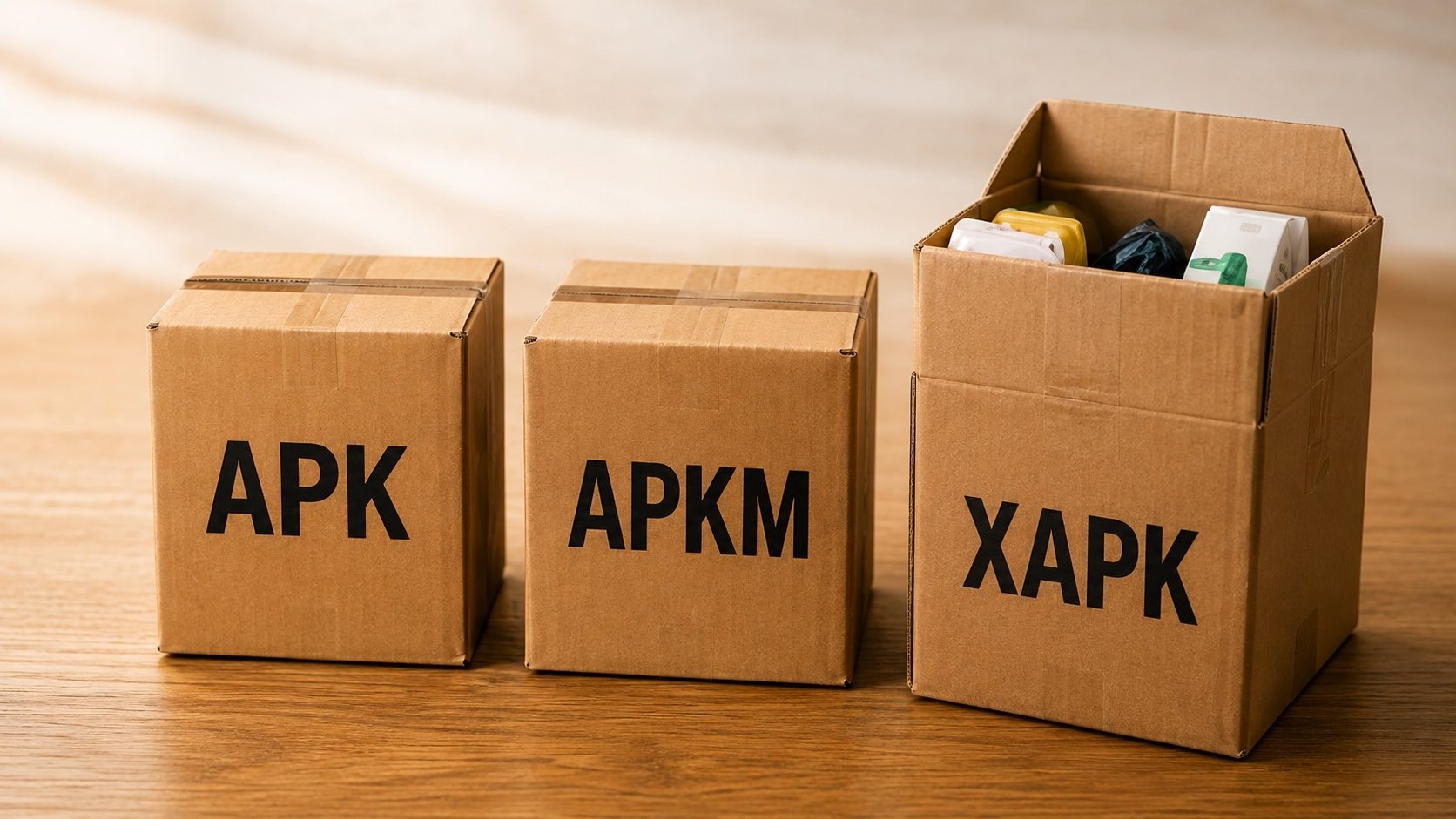
In the "good old days," there was only one type of file you needed to know for Android: the APK. But as apps have grown larger and more complex, new formats like APKM and XAPK have emerged to solve specific problems. These confusing extensions often lead to frustration when your phone says it doesn't know how to open them.
Below we break down how each of the three formats is put together, when you'll run into them, and how to deal with them using tools like our XAPK Converter and APKS/APKM Merger.
1. The Classic: APK (Android Package)
The APK file is the standard archive format used for the distribution and installation of
Android apps. Think of it like a .exe file for Windows or a .dmg for macOS.
- Structure: A single ZIP file containing compiled code (DEX), resources, and the manifest.
- Pros: Universal compatibility, easy to sideload, straightforward.
- Cons: Limited to 150MB for Play Store publishing; not efficient for different device architectures.
2. The Giant: XAPK (APK + OBB)
Developed primarily by the team at APKPure, the XAPK format was created to solve the file size limitation. Large realistic 3D games need gigabytes of data that simply won't fit in a standard APK.
- Structure: A ZIP container containing the base APK and an OBB expansion file.
- Installation: Requires an XAPK installer or manual extraction.
- Pro Tip: Use our XAPK to APK tool to split them up and install them manually for more control.
3. The Specialist: APKM (APK Mirror Bundle)
APKM is a modern format introduced by APKMirror to handle "App Bundles." When Google moved to AAB, they stopped providing a single "fat" APK for every device. APKMirror responded by creating APKM, which bundles all the necessary split APKs for every device configuration into one file.
- Structure: A ZIP containing multiple encrypted or split APK pieces (Base + Configs).
- Efficiency: It allows users to download exactly what they need for their phone, similar to how the Play Store works.
- Requirement: Can only be installed using the APKMirror Installer app or by merging the splits here.
Feature Comparison Table
| Feature | APK | XAPK | APKM |
|---|---|---|---|
| Standard Android Install | Yes | No | No |
| Includes OBB Data | No | Yes | No |
| Includes Split APKs | No | Partial | Yes |
| Mirror/Source | Universal | APKPure / APKFab | APKMirror |
Which Format Should You Choose?
If you have a choice, follow these simple rules:
- For Small Apps: Always choose APK. It's the simplest and fastest.
- For Massive Games: Choose XAPK. It's the best way to get both the game and its high-res data in one download.
- For Modern, Regular Apps: If an APK isn't available, APKM is your best bet as it ensures the app runs optimized for your specific phone's hardware.
Manage Any Format Like a Pro
Whatever the extension, our tools help you convert and analyze your Android packages in seconds.
Analyze My File NowFrequently Asked Questions (FAQ)
Is XAPK safer than APK?
Safety depends on the source, not the format. An XAPK obtained from a legitimate origin (your own build, the developer's official release page, or an open-source project) is as safe as the equivalent APK; one obtained from an unknown re-uploader is risky regardless of the container format. Always verify signatures.
Can I convert APKM to a normal APK?
Yes. By using a "Merge" tool, you can combine the base APK bundle and the relevant config splits into a single installable file. However, this file will be much larger than the original bundle.
Why did Google switch to App Bundles?
Efficiency. Bundles reduce the size of apps by around 15% on average (and more for large, multi-configuration apps) by only sending the code and images that the specific user's device needs, rather than everything developers have created.
Conclusion
Android file formats keep getting more complex, but once the difference between APK, XAPK, and APKM clicks, managing your device gets a lot easier. Pulling data out of a massive game and merging splits for a custom ROM are very different jobs, and our suite of tools is built to make both of them painless. We'll keep publishing deep dives like this one on the blog.