How to Extract Icons from Android APK Files Online
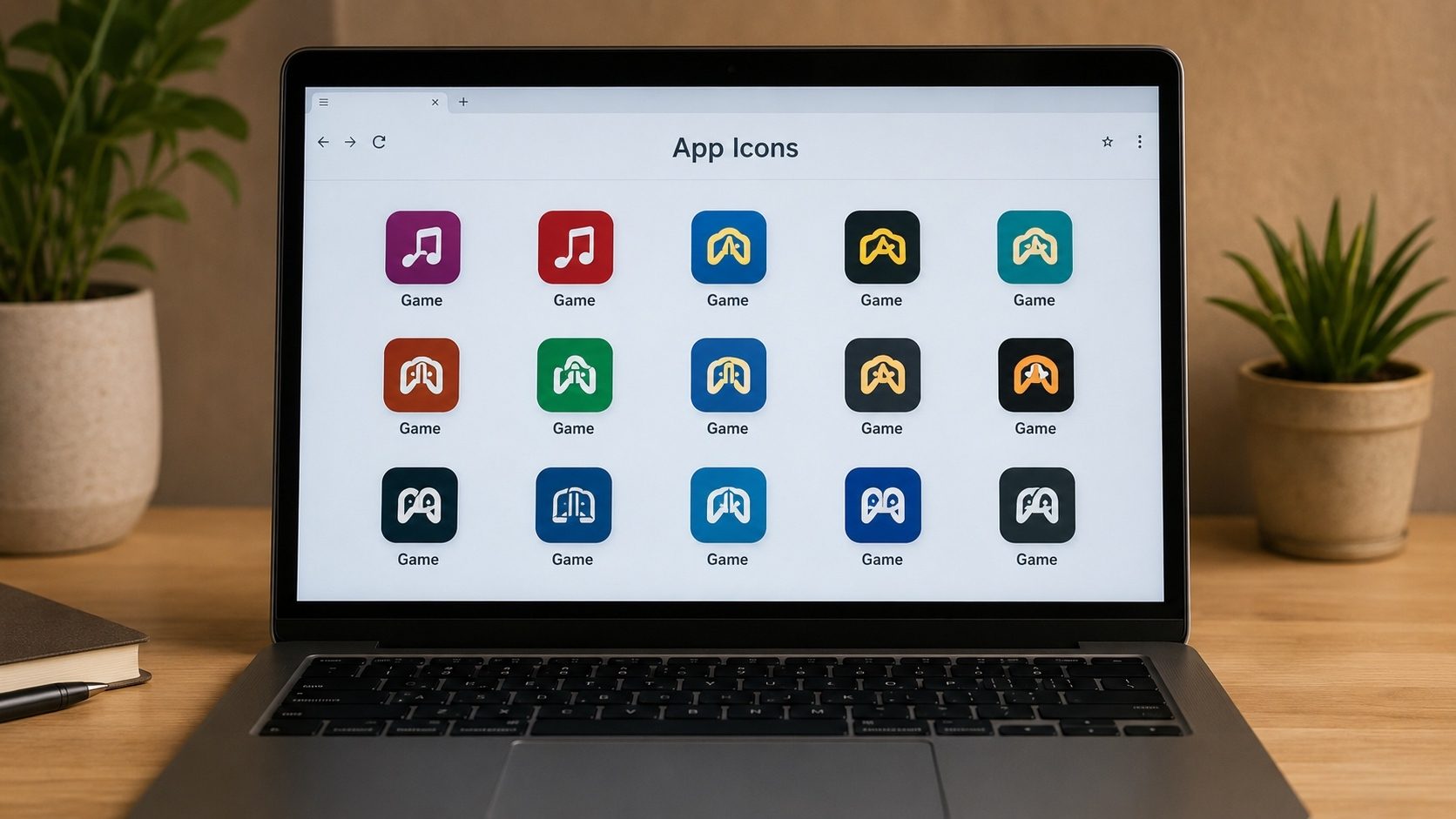
Designers hunting for inspiration, reviewers putting together thumbnails, developers checking a competitor's
assets, the need to extract icons from APK files comes up more often
than you might expect. The catch is that digging through internal folders like res/mipmap by hand is a
slow, fiddly process.
This walkthrough covers the quickest way to pull high-resolution app icons out of an APK, how Android stores icon resources in the first place, and how our APK Icon Extractor tool handles the fiddly parts for you in seconds.
Key Takeaways
- APK files store icons in multiple resolutions to support different screen sizes.
- Adaptive Icons (introduced in Android 8.0) consist of foreground and background layers.
- Online extractors are faster than manual methods and don't require APK decompression.
- You can extract icons from any APK, including system apps and protected files.
Why Extract APK Icons?
App icons represent the identity of an application. There are several reasons why you might want to extract them as a standalone PNG or SVG file:
- UI/UX Design: Analyzing icon styles, colors, and shadow effects.
- Content Creation: Using high-quality logos for YouTube thumbnails or blog post headers.
- Device Customization: Creating your own custom icon packs based on original designs.
- App Verification: Comparing the extracted icon with the official one to ensure validity.
Understanding Android Icon Resources
Inside an APK, the icon is defined in the AndroidManifest.xml under the
android:icon attribute. Modern apps use several types of icon formats:
- Mipmaps: Raster images (PNG, WebP) stored in folders named
mipmap-xxxhdpi,mipmap-xxhdpi, etc. - Vector Drawables: XML-based vectors that scale infinitely without losing quality.
- Adaptive Icons: These use a separate background and foreground layer, allowing Android to apply different masks (circles, squares, squircles) to the icon.
How to Extract Icons Online (The Standard Method)
Our online APK Icon Extractor is built to handle all these complexities automatically. Here is how simple the process is:
Step-by-Step Extracting:
- Navigate to our Icon Extractor Tool.
- Upload your
.apkor.xapkfile. - The tool instantly parses the
AndroidManifest.xmlto find the icon's resource path. - It scans the
res/directory for the highest resolution available (usuallyxxxhdpi). - A preview of the icon is displayed on the screen.
- Click Download Icon to save it as a high-quality PNG.
High Resolution Guaranteed
Our extractor always prioritizes XXXL (192x192) or original vector assets, ensuring you get the sharpest possible logo for your design needs.
Manual Method (Using a ZIP Opener)
If you don't have internet access, you can extract icons manually, though it's more complicated:
- Rename your
app.apktoapp.zip. - Open the ZIP file.
- Navigate to
/res/. - Look for folders starting with
mipmap-. - Search through these folders for an image file named
ic_launcher.png. - Copy the file from the largest folder (e.g., xxxhdpi).
Warning: This method often fails with Adaptive Icons or apps using specialized naming conventions.
Adaptive Icons: Why You See Two Layers
Since Android 8 (Oreo), the platform has used adaptive icons: a two-layer system that lets the OS clip and animate the icon into different shapes (circle on Pixel, squircle on Samsung One UI, rounded square on stock launchers, teardrop on some OEM skins). When you extract an adaptive icon, you get two PNGs (or two vector drawables) instead of one:
- Foreground layer: the actual logo or symbol. It is always drawn on top and must stay inside the safe-zone (a 66 dp circle in the centre of the 108 × 108 dp canvas).
- Background layer: a flat colour, a gradient, or a simple pattern. The launcher uses this to fill the area outside the foreground after clipping.
- Optional monochrome layer: introduced with Android 13 themed icons. It contains a single-colour silhouette that the launcher tints to match the user's wallpaper-derived theme palette.
If you only export the foreground PNG, you will end up with an image that has either no background or a transparent background, which is fine for assets in design mock-ups but wrong if you want a launcher-ready icon. Always export both layers, or use the APK Icon Extractor, which automatically composites them for you when an adaptive icon is detected.
Density Folder Cheat Sheet
Inside an APK, the same icon may exist in five or more sizes, one per pixel-density bucket. The
launcher picks the bucket closest to the device's density. When you are extracting the highest
quality version, head straight for xxxhdpi:
| Density bucket | Folder name | Launcher icon size | Adaptive canvas size |
|---|---|---|---|
| ldpi | mipmap-ldpi | 36 × 36 | n/a |
| mdpi (baseline) | mipmap-mdpi | 48 × 48 | 108 × 108 |
| hdpi | mipmap-hdpi | 72 × 72 | 162 × 162 |
| xhdpi | mipmap-xhdpi | 96 × 96 | 216 × 216 |
| xxhdpi | mipmap-xxhdpi | 144 × 144 | 324 × 324 |
| xxxhdpi | mipmap-xxxhdpi | 192 × 192 | 432 × 432 |
| anydpi-v26 | mipmap-anydpi-v26 | XML adaptive-icon definitions, not bitmaps | |
The rare anydpi-v26 folder is special: it contains XML files that reference
the foreground and background drawables stored elsewhere. If you only see XML when you open the
mipmap folders, the actual graphics are in res/drawable-* or as vector XML in
res/drawable/. The browser tool follows these references automatically.
Vector vs Raster: Which Should You Export?
Modern Android apps prefer vector drawables (XML files using a subset of SVG) for icons and small UI graphics. They scale infinitely, weigh almost nothing, and one file covers every density. Older apps still ship raster PNGs at every density. When you extract, you may encounter either format:
- Vector XML (file extension
.xml, root tag<vector>), convertible to SVG with a one-line attribute swap, or rasterised by our tool to the size you specify. - WebP (compact lossy/lossless): modern apps may ship icons in WebP at each density. Our extractor decodes WebP and lets you re-export as PNG if you need broader compatibility.
- PNG: the universal format. What you see is what you get.
For design work, prefer the vector source whenever it exists; for legacy compatibility (older tools, marketing materials), export the highest-density PNG you can find.
Common Pitfalls When Extracting Icons
- Confusing
res/mipmapwithres/drawable.mipmapholds launcher icons;drawableholds in-app images. Both can contain icon-like assets, but only mipmap entries are referenced byandroid:iconin the manifest. - Picking the wrong density. If you are designing for a 4K display, the
48 × 48 mdpi version will look pixelated. Always start from
xxxhdpior the vector source. - Forgetting the round variant. Many apps declare both
ic_launcherandic_launcher_round, with subtly different cropping. Some launchers always pick the round one. Extract both. - Ignoring trademark. The legal note above applies. Extracting an icon for personal reference or to improve accessibility is fine; using a shipped commercial logo as your own product's icon is not.
Extract Perfect Icons Instantly
Don't waste time digging through folders. Get high-quality app logos in one click.
Try APK Icon ExtractorFrequently Asked Questions (FAQ)
Is it legal to extract app icons?
Extracting icons for personal use, review, or education is generally acceptable. However, redistributing or using them in a commercial product without the owner's permission may violate copyright and trademark laws.
What is the standard size for Android app icons?
For store listings, an icon should be 512x512. Inside the APK, the highest resolution normally found is 192x192 (xxxhdpi) for the home screen.
Can I extract icons from System Apps (like Google Camera)?
Yes. If you have the APK file of a system app, our tool will extract its icon just like any other common application.
Conclusion
Pulling icons out of an APK is a handy trick if you design, review, or build Android apps. You can do it by hand, but a dedicated online tool is quicker and gets you the full-resolution source without the guesswork. It is a free part of our APK toolset whenever you need it.