What is OBB? A Complete Guide to Android Expansion Files
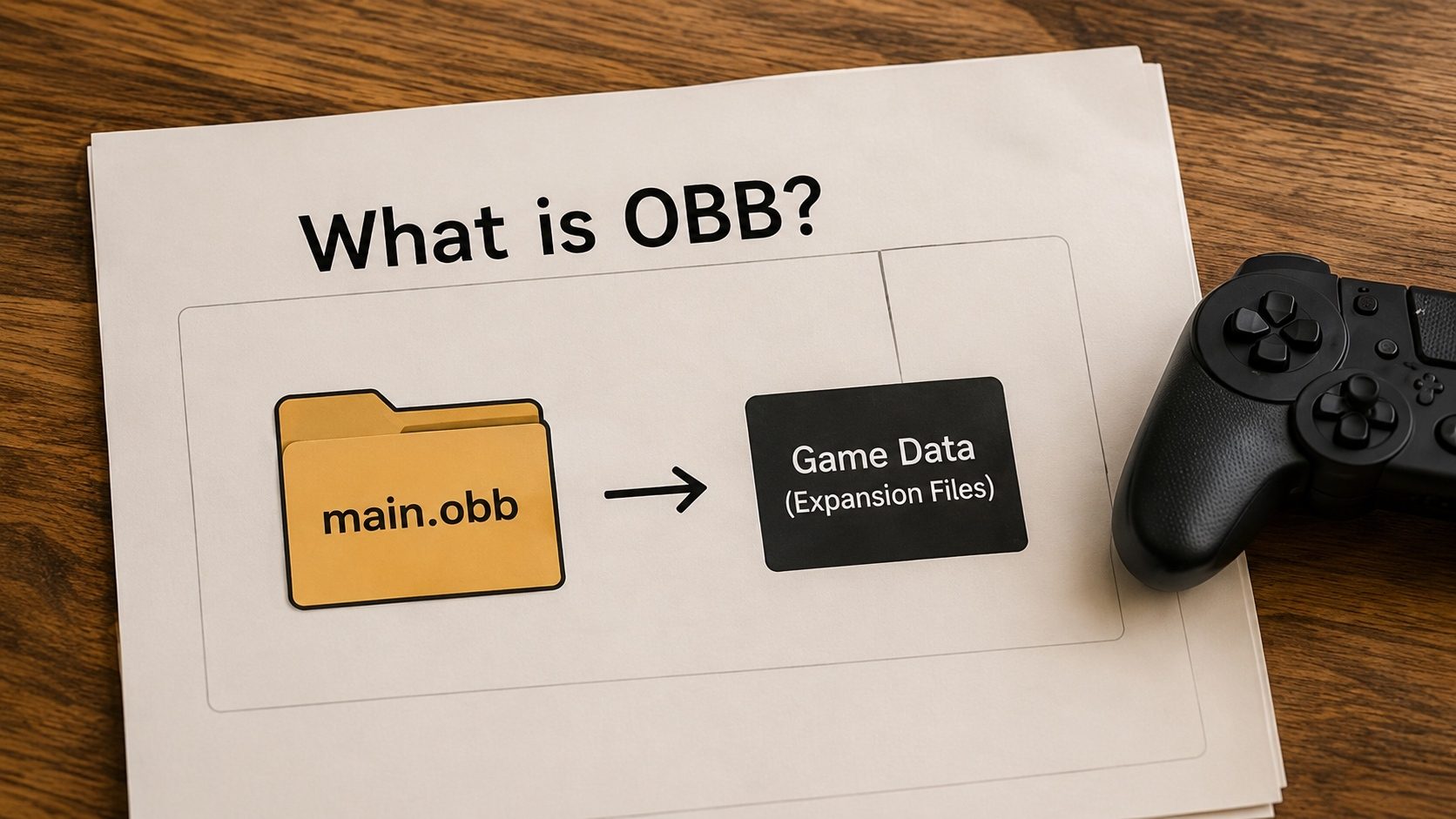
If you're a serious mobile gamer, you've definitely come across the term "OBB" or "Expansion File." You might
see it in the form of a main.1234.com.game.obb file or inside an XAPK bundle. But while we
all know that big games like PUBG, Genshin Impact, or Call of Duty use them, few people understand exactly
what they are or how to manage them manually.
Below we break down what Opaque Binary Blobs (OBB) actually are, why Google introduced them, and how our OBB Extractor tool can help you pull apart and manage your game data.
Key Takeaways
- OBB stands for Opaque Binary Blob; it's an "expansion pack" for Android apps.
- Android limits the core APK file size to 150MB; OBB files allow games to be gigabytes in size.
- OBB files must be placed in
/Android/obb/[package_name]/to be detected. - Our OBB Extractor can pull game assets directly from an OBB file online.
Why Google Created OBB Files
Early in Android's history, the Google Play Store had a very strict file size limit (50MB, then 100MB, then 150MB). This was to ensure that the core binary logic of an app wasn't too massive to process. However, high-fidelity games have gigabytes of 3D models, textures, and orchestral soundtracks.
Instead of raising the APK limit, Google created the Expansion File system. This allows developers to bundle one or two "Blobs" (up to 2GB each) alongside their APK. These blobs are effectively a customized ZIP file that the app's code can read quickly without "mounting" them as a drive.
The Anatomy of an OBB File
An OBB file is essentially an encrypted or unencrypted archive. Inside, you'll typically find:
- Assets: High-res textures, 3D meshes, and shaders.
- Audio: Compressed background music and voice-over files.
- Configuration: Level maps and game logic definitions.
Correct File Pathing
If you extract an OBB manually, you must place it in exactly:
Internal Storage > Android > obb > [com.example.package]. If the folder or the filename
is incorrect by even one letter, the game will fail to start and give a "Download failed because you
may not have purchased this app" error.
How to Manage OBB Files in 2026
Managing these files has become harder with Scoped Storage (Android 11+), which blocks file
managers from seeing the /Android/obb folder. Here is how to handle it:
- Use an XAPK Installer: Programs like ours convert the OBB and APK into a single bundle that handles the file placement for you automatically.
- SHIZUKU/FV File Explorer: Use advanced file explorers that can bypass scoped storage restrictions if you need to manually manage or replace OBB data files.
- Online Extraction: Use our OBB Extractor to see what's inside an OBB without ever needing to install the giant game on your device.
OBB vs APK Expansion vs AAB Asset Packs
Android has actually shipped three different mechanisms for "ship more data than fits in an APK" over the years. Knowing which one you are dealing with helps you find the right install path:
- OBB (Opaque Binary Blob, the classic): introduced by Google in 2012,
widely used by games through the 2010s. The publisher uploads two files (APK + OBB) to the
Play Store as a single package; on install, Play places the OBB at
/sdcard/Android/obb/<package>/. Largely deprecated for new apps but still very common for sideloaded XAPKs of older or large titles. - APK Expansion Files API: a Google-blessed way for the app itself to
download the expansion the first time it runs, instead of shipping it inside the APK.
Filenames look like
main.<version>.<package>.obbandpatch.<version>.<package>.obb. Same on-disk path as OBB. - Play Asset Delivery / Asset Packs (modern): the AAB-era successor. Asset
packs are part of the App Bundle and are streamed to the device by Play services,
independently of the base APK. They live in app-specific cache directories, not under
/sdcard, and you cannot move them around manually.
If you have an XAPK with a literal .obb file inside, you are dealing with the first
two categories: the file goes in /sdcard/Android/obb/<package>/ and
the path must match exactly or the app cannot find it.
The OBB Filename Format Decoded
OBB filenames look intimidating but they encode three pieces of information separated by dots:
main.42.com.example.game.obb
↑     ↑       ↑
│     │       └— package name (must match the APK's android:package)
│     └— version code (an integer; main and patch can have different versions)
└— main or patch ("main" = required initial data, "patch" = optional update layer)
If you copy the OBB into a directory whose name does not exactly match the package, the app will either silently fail to start or show a "Download failed because you may not have purchased this app" error, which is misleading. The error really means "the app expected to find its OBB and it isn't there."
Two Common Failure Modes
"Download failed because you may not have purchased this app"
Despite the wording, this almost never indicates an actual licensing problem with a sideloaded APK. Triggers, in order of likelihood:
- OBB is missing entirely.
- OBB is present but in the wrong directory (typo in the package-name folder).
- OBB version-code doesn't match what the APK expects (you upgraded the APK but kept an old OBB, or vice-versa).
- The app uses the licensing-check API and is genuinely refusing to run a non-Play install. This is rare; only some big-publisher games still do it.
App launches but immediately re-downloads
Means the OBB is present but inaccessible, usually a permission issue. On Android 11+
apps need explicit "All files access" or you need to push the OBB via ADB
(adb push main.42.com.example.game.obb
/sdcard/Android/obb/com.example.game/), which works regardless of in-app permission
state. Confirm the file is owned by the right user and readable.
Are OBB Files Safe?
The OBB itself is just data, usually a custom container with the game's textures, audio, level definitions, scripts, and similar assets. It cannot execute code on its own; it is loaded and interpreted by the APK. That makes the safety of an OBB equivalent to the safety of the APK that opens it: as long as the APK's signing certificate matches what the publisher uses, and the APK passes verification, the bundled OBB is part of the same trusted package.
What you should not do is mix an OBB from one source with an APK from another. The OBB format is custom; data from version 41 will not necessarily load in version 42, and a deliberately crafted OBB designed to exploit a known parsing bug in the APK could in principle compromise the app. Treat APK + OBB as a paired set and obtain both from the same legitimate source.
Extract Game Data Now
Curious about what's inside that 3GB OBB? Use our extractor to pull individual files or check its integrity.
Try OBB Extractor OnlineFrequently Asked Questions (FAQ)
Is it safe to delete OBB files?
No. If you delete an OBB file, the app will either refuse to start or will immediately try to download the data again from the developer's server. You will lose all game assets.
Can I put OBB files on my SD Card?
Generally, no. Android expects OBB files to be in the internal storage partition. Some "Custom ROMs" or older phones allow "Adoptable Storage" to move them, but this is rare in 2026.
What happens if the OBB version doesn't match the APK?
The game will usually crash or show an error. Both the APK and OBB must be from the same build version (e.g., v1.0.5) to communicate correctly.
Conclusion
OBB files still carry the bulk of the data for a lot of big Android games. Google is gradually shifting studios toward "Dynamic Delivery" with AAB bundles, but the Opaque Binary Blob is far from gone, so it is worth knowing how it works if you sideload or back up games. Our XAPK Converter and OBB tools can handle the extraction when you need it.