APK vs XAPK vs AAB: Complete Comparison
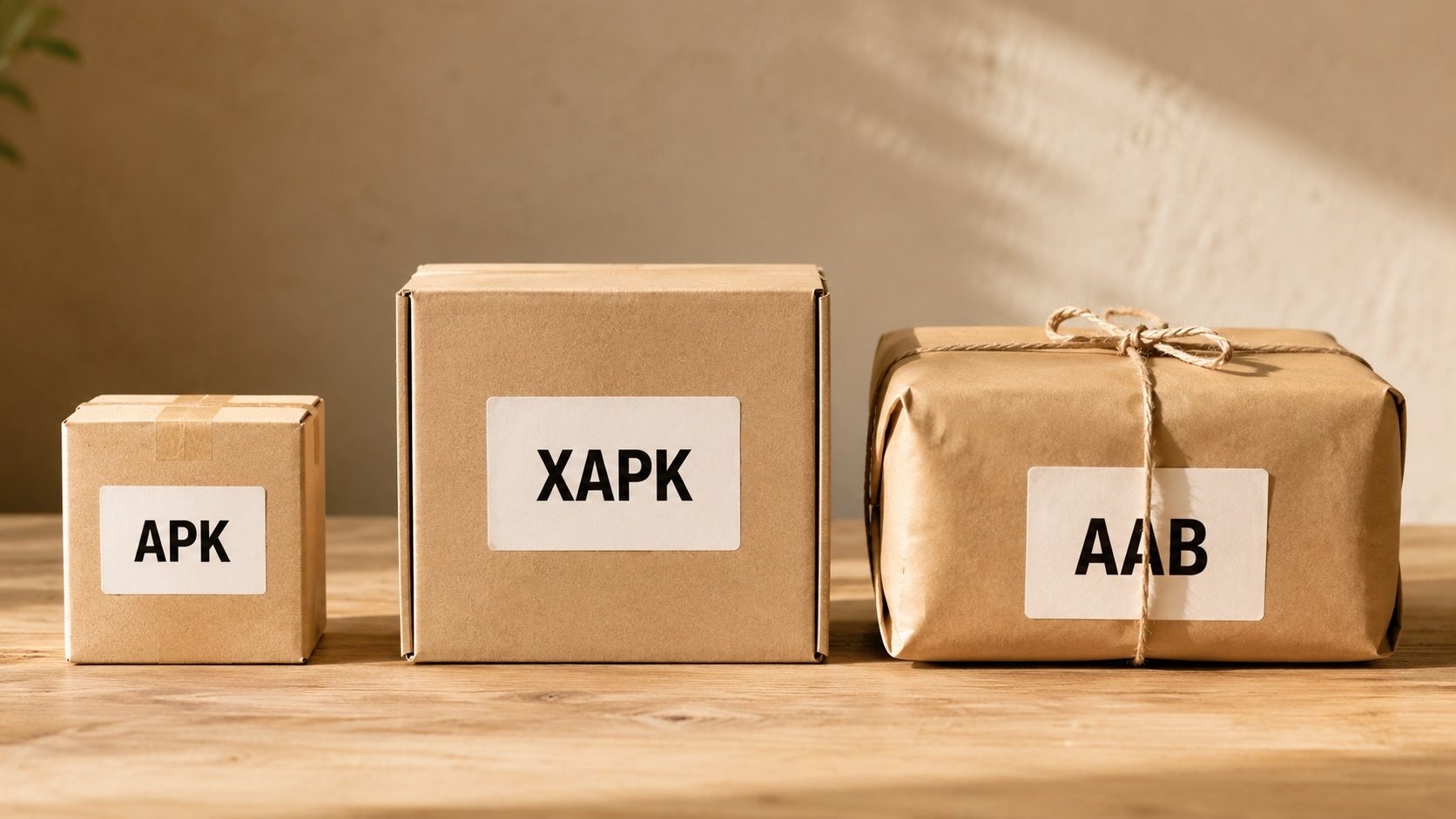
Android has been through a lot of versions, and the way apps get packaged and handed out has shifted just as much. Most of the time you only care about one thing, getting an app installed. But the moment a file refuses to open the way you expect, it helps to know what you're actually holding. APK, XAPK, and AAB are the three names you keep bumping into, so here is what each one really is and when it matters.
Quick Comparison Table
| Feature | APK | XAPK | AAB |
|---|---|---|---|
| Full Name | Android Package | Extended APK | Android App Bundle |
| Can install directly | Yes | No | No |
| Contains OBB | No | Yes | N/A |
| Used by Play Store | Legacy | No | Yes |
| Max size | ~150MB | 4GB+ | 150MB base |
| Optimized per device | No | No | Yes |
APK (Android Package)
APK
The original and most widely known format. APK is a single file containing all the code, resources, and assets needed to run an app.
Pros
- Easy to install
- Widely supported
- Simple to share
- Works on all Android devices
Cons
- Size limit (~150MB)
- Same file for all devices
- No built-in expansion support
Best for: Small to medium apps, sideloading, sharing apps directly
XAPK (Extended APK)
XAPK
XAPK bundles an APK file with OBB expansion files into a single package. It's primarily used by third-party app stores like APKPure.
Pros
- Single download for large apps
- Includes all necessary data
- No separate OBB download needed
Cons
- Can't install directly
- Needs special installer or extraction
- Not official Google format
Best for: Large games, apps with additional data files
AAB (Android App Bundle)
AAB
Google's modern publishing format. AAB files are uploaded to Play Store, which then generates optimized APKs for each device.
Pros
- Smaller download sizes for users
- Device-specific optimization
- Better security with Play signing
- Dynamic feature delivery
Cons
- Cannot install directly on devices
- Requires Play Store or bundletool
- More complex for developers
Best for: Publishing on Google Play Store
When to Use Each Format
Use APK when:
- Installing apps from sources other than Play Store
- Sharing apps directly with others
- Your app is under 150MB
Use XAPK when:
- Downloading large games from APKPure or similar
- App requires OBB data files
- Want a single download for everything
Use AAB when:
- Publishing apps to Google Play Store
- Want optimal download sizes for users
- Need dynamic feature delivery
Need to Convert Between Formats?
Use our free tools to convert XAPK to APK and more.
Real-World File Sizes: What These Numbers Look Like in Practice
These differences stop feeling abstract the moment you check the size of an app you have actually downloaded. The figures below are roughly what people run into in 2026, though the exact number shifts with your device, your language, and the CPU your phone uses.
| App / Game | Single APK | XAPK Bundle | Play Store (from AAB) |
|---|---|---|---|
| Mid-size utility (e.g., a weather app) | ~30 MB | n/a (single APK is fine) | ~12 MB (after split) |
| Productivity suite | ~150 MB | ~150 MB | ~70 MB device-specific |
| Mid-size 3D game | n/a (over single-APK limit) | ~600 MB | ~250–350 MB device-specific |
| Large open-world game | n/a | 2–4 GB | 1–2 GB device-specific |
The rule of thumb is simple enough. If the whole thing fits in roughly 100–150 MB and only targets one CPU architecture, a plain APK is the easiest thing to deal with. The moment a package has to carry several architectures (arm64-v8a, armeabi-v7a, x86_64), assets for many screen densities, or large chunks of gameplay data, that simplicity breaks down: XAPK keeps everything in one download you can move around yourself, while AAB hands the job to Play, which trims the bundle down to whatever each device actually needs.
Inside Each Container: A Quick Tour
What's actually inside an APK
Open any .apk with an archive tool and you will see roughly the same layout: an
AndroidManifest.xml describing the app's identity and permissions, a classes.dex
file (or several) holding the compiled bytecode, a resources.arsc resource table, a
res/ directory of pre-compiled images and layouts, and an assets/ directory
for any raw files the developer chose to ship as-is. Native code lives under
lib/<abi>/, where abi is the CPU architecture. A META-INF/
directory contains the cryptographic signature that proves who built the file.
What changes inside an XAPK
An XAPK is itself a ZIP archive containing one or more APK files plus a sidecar
manifest.json. The simplest XAPK is "base APK + one OBB file"; more complex bundles look
like "base APK + several config.<abi>.apk, config.<density>.apk,
and config.<language>.apk splits", that is, the same structure that AAB produces
on the server, packaged for offline distribution.
What changes inside an AAB
An AAB is also a ZIP, but it is intentionally not directly installable. Inside you find a
BundleConfig.pb protobuf describing how the bundle should be split, plus
base/ and (optionally) feature_module/ directories holding manifests,
resources, dex files, and native libs in their pre-split form. Google's own server-side tool, plus
the open-source bundletool, turn this bundle into the per-device APK splits the user
actually installs.
Decision Guide: Which Format Should You Reach For?
If you are reading this because you have a file in your hands and are not sure what to do with it, answer these questions in order:
- Is the file a single
.apkunder ~150 MB? Install it directly. Verify the signing certificate first with our APK Verifier if it came from outside the Play Store. - Is it a
.xapkfile? Either install it with an open-source split-APK installer such as SAI, or convert it to a single APK using our browser-based converter and install that. - Is it a
.apksarchive? That is the output ofbundletoolalready split into per-device APKs; merge the relevant splits with our APKS to APK merger or use ADB'sinstall-multiplecommand. - Is it an
.aabfile? You cannot install it directly. Use AAB to APK to runbundletoolfor you and produce a universal APK first.
Common Misconceptions
"XAPK is a newer, better APK."
It is not newer in the sense of being an Android-platform feature. The Android OS does not know what an XAPK is; only third-party installer apps do. From the operating system's point of view, install time still works on plain APKs.
"AAB is just a different APK."
AAB is a publisher-side format. The user never installs an AAB directly. When a Play Store user taps "Install" on an app published as an AAB, Google's servers generate a tailored set of APKs for that specific device, sign them with the publisher's upload key, and the device installs those.
"Bigger XAPK means a more capable game."
Not necessarily. Two games of similar capability can have very different XAPK sizes simply because one ships uncompressed textures and a single ABI, while the other ships compressed assets and four ABIs. The number on the file size is rarely a meaningful quality signal.
"You can rename a .xapk to .apk and install it."
You cannot. The OS will reject the file because it is not a valid APK; it is a ZIP that contains an APK. You have to extract the inner APK first. That is exactly what our converter does.
Quick Reference
If you only remember a few sentences from this article, make them these:
- APK is the universal install format, every Android device ultimately installs APKs.
- AAB is the publisher format Google requires for new Play Store submissions; users never see one.
- XAPK is a third-party container that bundles an APK with its companion files in a single ZIP.
- Convert XAPK or AAB to APK if you need to install or analyse them outside the Play Store.