How to View Android App Permissions Before Installing an APK
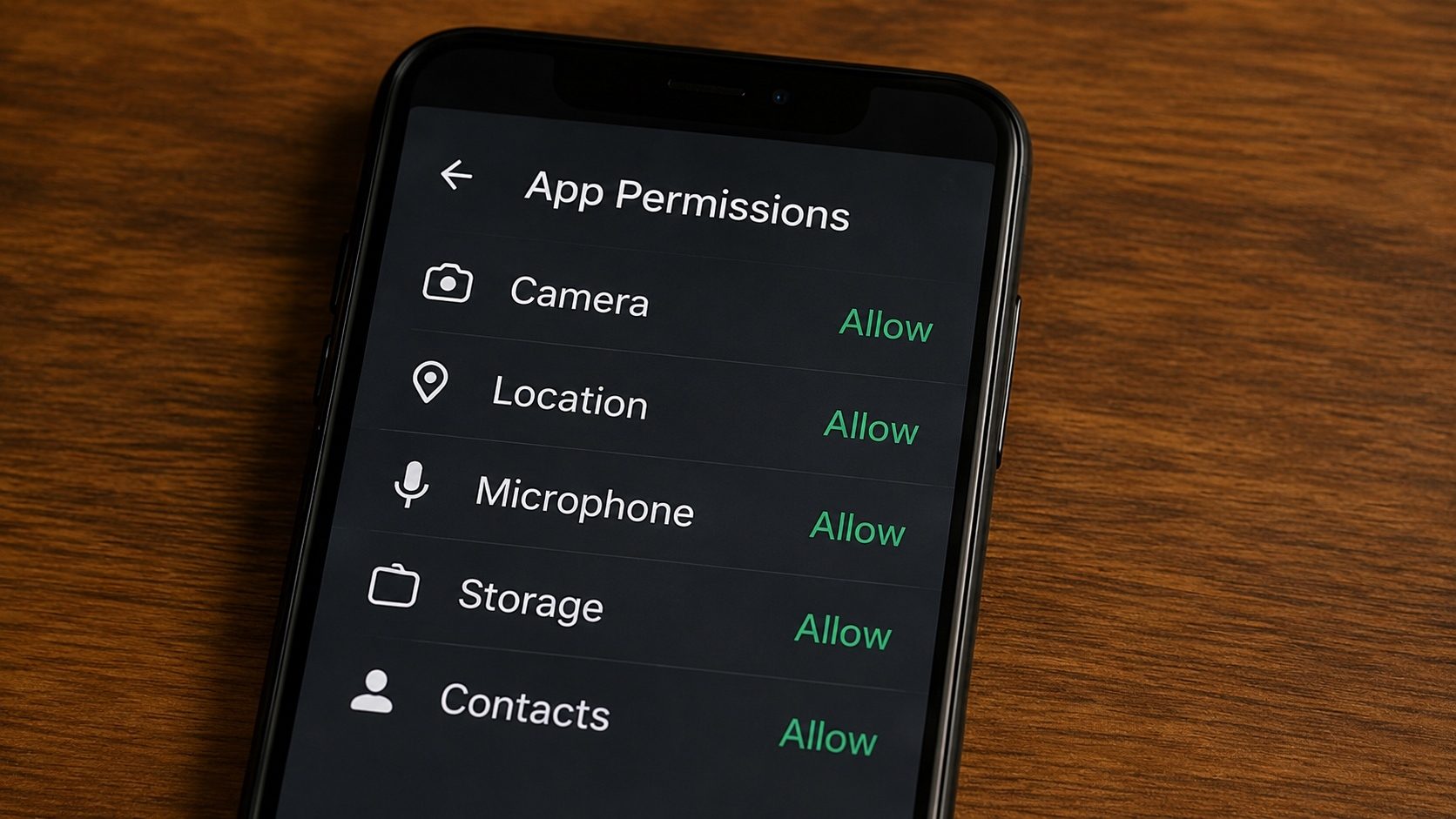
When you install an app from the Google Play Store, Android shows a simplified summary of what the app can access. Sideload an APK from a non-Play source and you have no such safety net, unless you read the manifest yourself. "Should a wallpaper app really need SMS and microphone access?" is exactly the kind of question this guide will help you answer.
What follows is the same workflow our team uses when triaging an unfamiliar APK: open it, read the
uses-permission entries, decode the protection levels, and compare what the app
says it needs against what its category usually requires. Our
online APK Info tool does the binary-XML decoding for you so the
whole process takes about ten seconds.
apksigner and aapt2
from the Android SDK if you want to do the same checks from a terminal.
What you will be able to do at the end: read any APK's full permission list, spot
the four or five "high-impact" requests that almost always indicate trouble, and decide whether to
install before installing, not after.
Why Bother Auditing Permissions?
Malicious developers take popular free apps, alter them, and re-release them on third-party sites. While the app might look and function normally, its hidden code could be copying your contact list or recording your background audio. By viewing permissions pre-installation, you can spot these red flags of "permission creep."
How to Audit Any APK File (Online)
Our APK Info tool reads the manifest of your file entirely in your browser; the file is never uploaded to a server, and no code is executed. Here's how to use it:
Process:
- Go to the APK Info page.
- Select your
.apkfile. - Wait for the analysis to finish (usually 5 seconds).
- Scroll down to the Permissions Section.
- Look for high-risk flags like:
READ_SMS,PROCESS_OUTGOING_CALLS, orACCESS_FINE_LOCATION.
Permission Red Flag List
If a Calculator or Flashlight app asks for
READ_CONTACTS or RECORD_AUDIO, delete the file immediately. There is zero
legitimate reason for these apps to have that data.
Understanding Android Permission Levels
Not all permissions are created equal. Android categorizes them into three levels:
- Normal: Low-risk permissions that don't directly threaten privacy (e.g., SET_ALARM). Android grants these automatically.
- Dangerous: High-risk permissions (Contacts, Location, Camera). These must be confirmed by you when the app runs.
- Signature/System: Extremely high-risk. These are only available to apps signed by the device manufacturer or the OS itself.
Manual Method (Using a ZIP Viewer)
If you have some technical skill, you can audit permissions yourself:
- Rename
app.apktoapp.zipand open it. - Find
AndroidManifest.xml. (Note: It's in binary format and will look like gibberish in a text editor). - Use a tool like AXMLPrinter to convert it to readable text.
- Search for tags starting with
<uses-permission>.
Recommendation: It's much faster to use our online tool which decodes this for you instantly.
Audit Your Apps Now
Know exactly what your apps are asking for. No secrets, no risks.
Check APK PermissionsWhat's Actually Stored in AndroidManifest.xml
The manifest is the source of truth for every permission, component, and feature an app declares. Inside an APK, the file is in binary XML form, not the plain text you see in source code, so it cannot be read with a normal text editor. Our APK Info tool decodes the binary XML and surfaces the relevant tags. The most important ones are:
<uses-permission android:name="..."/>: every permission the app might ever request. The full list is here, including ones the app may never actually use at runtime.<uses-permission-sdk-23 ... />: same, but only requested when the app runs on Android 6 or later. Older devices are silently allowed without prompting.<uses-feature android:name="..." android:required="true|false"/>: hardware features the app uses (camera, GPS, NFC). When marked required, Play Store hides the app from devices that lack the feature.<application android:debuggable="true">: a giant red flag in a release APK. A debuggable app exposes its memory and process state to anyone with ADB access. Reject.<activity android:exported="true">on sensitive activities: lets other apps launch that screen. For a privacy app, this often signals sloppy coding.
Permission Protection Levels: The Cheat Sheet
Android assigns every permission a "protection level". Knowing which level a request belongs to tells you how seriously the OS will treat it.
| Protection level | User experience | Examples |
|---|---|---|
| normal | Granted silently at install time. No prompt. | INTERNET, VIBRATE, ACCESS_NETWORK_STATE, WAKE_LOCK |
| dangerous | Runtime prompt the first time the feature is used. Revocable in Settings. | CAMERA, RECORD_AUDIO, READ_CONTACTS, ACCESS_FINE_LOCATION |
| signature | Granted only to apps signed with the same certificate as the granting app or the OS. | BIND_VPN_SERVICE, INSTALL_PACKAGES (system-only) |
| signature|privileged | Available only to pre-installed apps in the system image's priv-app directory. |
MANAGE_USERS, READ_LOGS |
| appop / role | Requires a separate Settings flow to enable. | SYSTEM_ALERT_WINDOW, BIND_ACCESSIBILITY_SERVICE, MANAGE_EXTERNAL_STORAGE |
What "Hidden" Permissions Actually Means
A common misconception is that some permissions are secret. They are not: every permission
an app might use must be declared in AndroidManifest.xml, and the OS refuses to
grant any permission not listed there. What people usually mean by "hidden" is one of two things:
- Normal-level permissions are silent. They get granted at install time without any user interaction. The Play Store summary doesn't even show some of them. They are "hidden" in the sense of "easy to overlook", not in the sense of "undisclosed".
- App-defined custom permissions. Apps can declare their own
<permission>tags and require them on internal components. These exist for inter-app communication and are not a privacy concern by themselves, but they can be abused if a popular app declares a custom permission with the wrong protection level and another app then uses it as a backdoor.
Either way, the answer is the same: read the manifest, do not trust a Play Store description on its own.
Worked Example: Auditing a Real APK
Suppose you have example.apk in your Downloads folder. Here is the exact workflow:
- Open the APK Info tool in your browser.
- Drop the APK on the upload area. Processing happens locally; the file does not leave your device.
- Read the Permissions section. Each entry shows the constant name
(
android.permission.READ_CONTACTS) and a plain-language description of what it allows. - Compare the list against the app's category. Roughly, expect:
- Camera apps: CAMERA, RECORD_AUDIO (for video), STORAGE/MEDIA write
- Messaging apps: INTERNET, READ_CONTACTS, SEND_SMS (only if SMS-based), RECORD_AUDIO (for voice notes), CAMERA (for sending photos)
- Games: INTERNET, sometimes RECORD_AUDIO (for in-game voice chat), billing-related permissions; rarely anything else
- Utility apps (calculator, flashlight, weather): INTERNET (for ads), ACCESS_NETWORK_STATE, possibly LOCATION (weather only). Anything beyond that is suspicious.
- If anything in the list does not fit the category, do not install. There is no good reason a calculator needs SMS access.
The same logic applies whether the file is an APK, an XAPK (where we read the inner base APK), or an APKS bundle (where we read each split's manifest).
Doing It from the Command Line
If you prefer the terminal route, the Android SDK ships aapt2, which dumps a manifest
from any APK in plain XML:
aapt2 dump badging example.apk | grep "uses-permission"Or use apksigner to verify the signing certificate at the same time:
apksigner verify --print-certs example.apkThe browser tool does the same thing for users who would rather not install an SDK just to vet a single file.
Frequently Asked Questions (FAQ)
Can I deny a permission after installing an APK?
Yes. On Android 6.0 and higher, you can go to Settings > Apps > [App Name] > Permissions to toggle individual dangerous permissions on or off.
Do XAPK files have different permissions?
An XAPK contains one or more APKs. Each APK inside has its own manifest. Our tool will analyze the Main APK within the bundle to show you the relevant permissions.
Why does every app ask for "Network Access"?
Almost all apps need internet access for analytics, bug reporting, or advertisements. While it's common, it's also the way stolen data is sent to a hacker's server.
Conclusion
You cannot judge what you cannot see. Spending ten seconds to view an APK's permissions before you sideload it is the difference between knowing what an app can reach and simply hoping it behaves. Read the list first, and install second.