How to Sideload APK Files Safely on Android
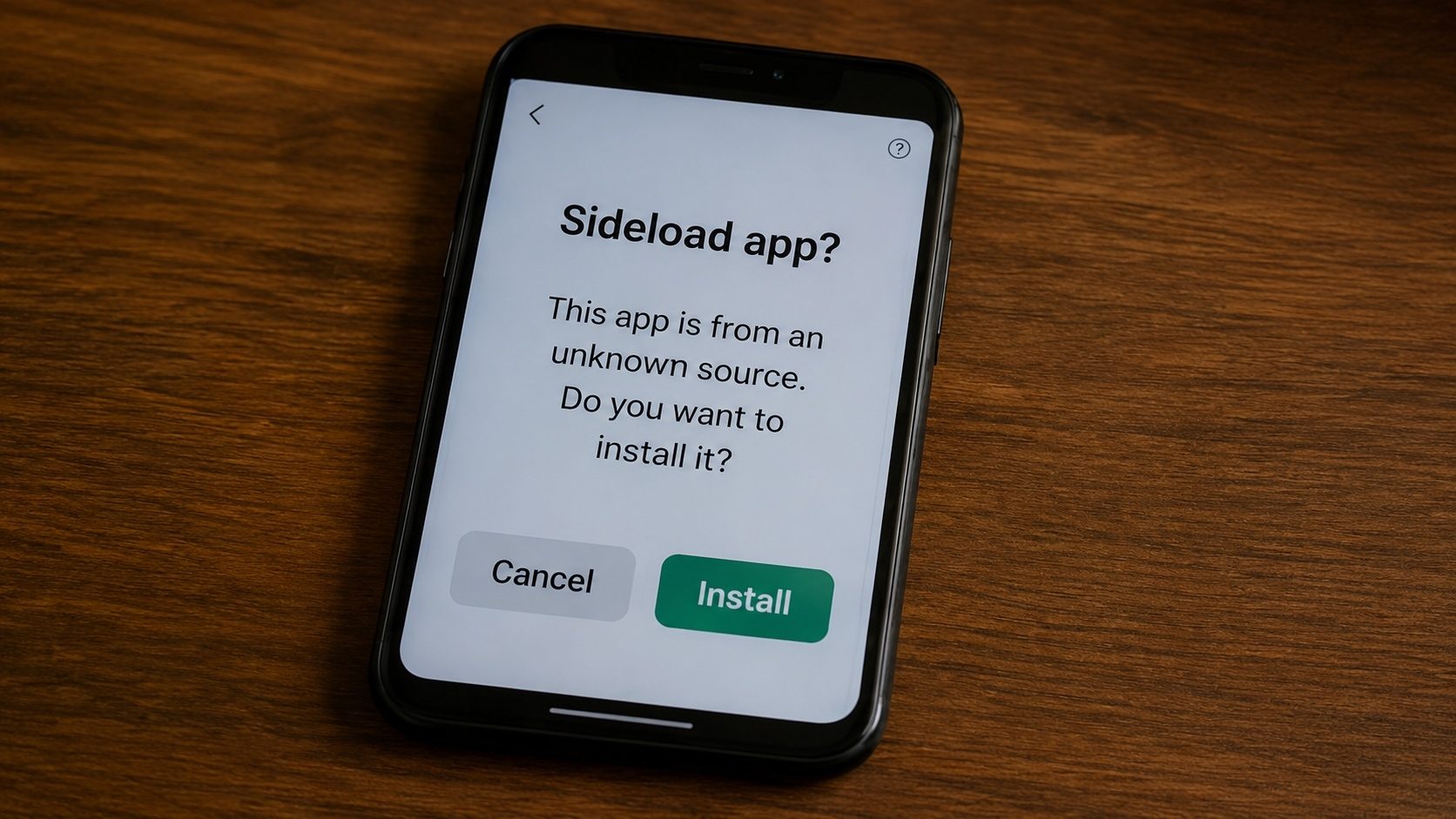
Sideloading, the process of installing APK files from sources outside the Google Play Store, can be useful, but it also comes with security risks. The walkthrough below shows how to sideload APK files safely while protecting your device from malware and other threats.
What is APK Sideloading?
Sideloading refers to installing an application on your Android device using an APK file that wasn't downloaded from the official Google Play Store. Common reasons people sideload include:
- Regional restrictions: Some apps aren't available in certain countries
- Older versions: You may need a previous version of an app
- Beta testing: Developers distribute beta APKs for testing
- Modified apps: Open-source apps or custom builds
- App removed from Play Store: Apps that are no longer listed
Step 1: Enable Installation from Unknown Sources
Before you can sideload an APK, you need to allow your device to install apps from unknown sources:
Android 8.0+ (Oreo and newer)
- Go to Settings → Apps & Notifications
- Tap Special app access (or Advanced)
- Tap Install unknown apps
- Select the app you'll use to install (e.g., Chrome, File Manager)
- Toggle Allow from this source ON
Android 7.0 and earlier
- Go to Settings → Security
- Toggle Unknown sources ON
- Confirm the warning prompt
Security Tip
On Android 8.0+, you can grant installation permission per-app, which is much safer than the old blanket permission system. Only enable it for your file manager or browser.
Step 2: Use Legitimate Sources Only
The most important safety measure is restricting sideloading to legitimate sources. Acceptable sources include:
- The official Google Play Store, the safest and most appropriate option for the vast majority of apps.
- The application developer's own website, many publishers (browsers, messengers, games, productivity apps) host their installers and beta builds directly.
- Project release pages for open-source software, for example, GitHub or GitLab releases for an OSS project's signed build artifacts.
- F-Droid, a community-run repository that builds free and open-source apps from their public source code, providing strong provenance for OSS-only software.
- Your own backups, APKs you legally exported from a device you own.
Avoid any source that offers paid apps for free, "modded" or "cracked" copies of commercial software, or unsigned re-uploads of apps from someone other than the publisher. These almost always violate copyright and frequently carry malware.
Step 3: Verify the APK Before Installing
Before installing any sideloaded APK, take these precautions:
- Check the file size: Compare it with the known size of the app
- Verify the signature: Use our APK Verifier tool to check if the APK has a valid signature
- Check permissions: Use our APK Info tool to review what permissions the app requests
- Scan with antivirus: Use Google Play Protect or another antivirus to scan the file
Step 4: Install the APK
- Locate the downloaded APK file (usually in the
Downloadsfolder) - Tap on the APK file
- Review the permissions requested
- Tap Install
- Wait for the installation to complete
- Tap Open or Done
Red Flags to Watch For
Avoid installing an APK if you notice any of these warning signs:
- 🚩 The APK requests unusually many permissions (e.g., a calculator app asking for camera access)
- 🚩 The file size is significantly different from the official app
- 🚩 The source website looks suspicious or has many pop-up ads
- 🚩 The APK was shared via messaging apps or social media from unknown people
- 🚩 Your antivirus flags the file as potentially harmful
- 🚩 The APK signature doesn't match the original developer's signature
After Installing: Post-Installation Safety
- Disable unknown sources: After installing, go back and disable the permission
- Monitor app behavior: Watch for unusual battery drain, data usage, or ads
- Keep Play Protect enabled: Google Play Protect can scan sideloaded apps too
- Update regularly: Check for updates from the trusted source where you got the APK
Verify APK Files Before Installing
Use our free tools to check APK signatures and permissions before sideloading.
Verify APK NowConclusion
Sideloading APK files can be safe when done correctly. The key is to restrict it to legitimate sources, preferably the official Play Store, the developer's own website, an open-source project's own release page, or your own backups, verify each APK before installing, and keep your device's built-in security features (Play Protect, signature verification) enabled. By following this guide, you can use the flexibility of sideloading without compromising your device's security.
Key Takeaways
- Sideload only from legitimate sources, preferably the official Play Store, the developer's own website, or an open-source project's official release page.
- Verify APK signatures before installation.
- Keep Play Protect enabled for secondary scanning.