Fixing 'App Not Installed' Errors: The Complete Troubleshooting Guide
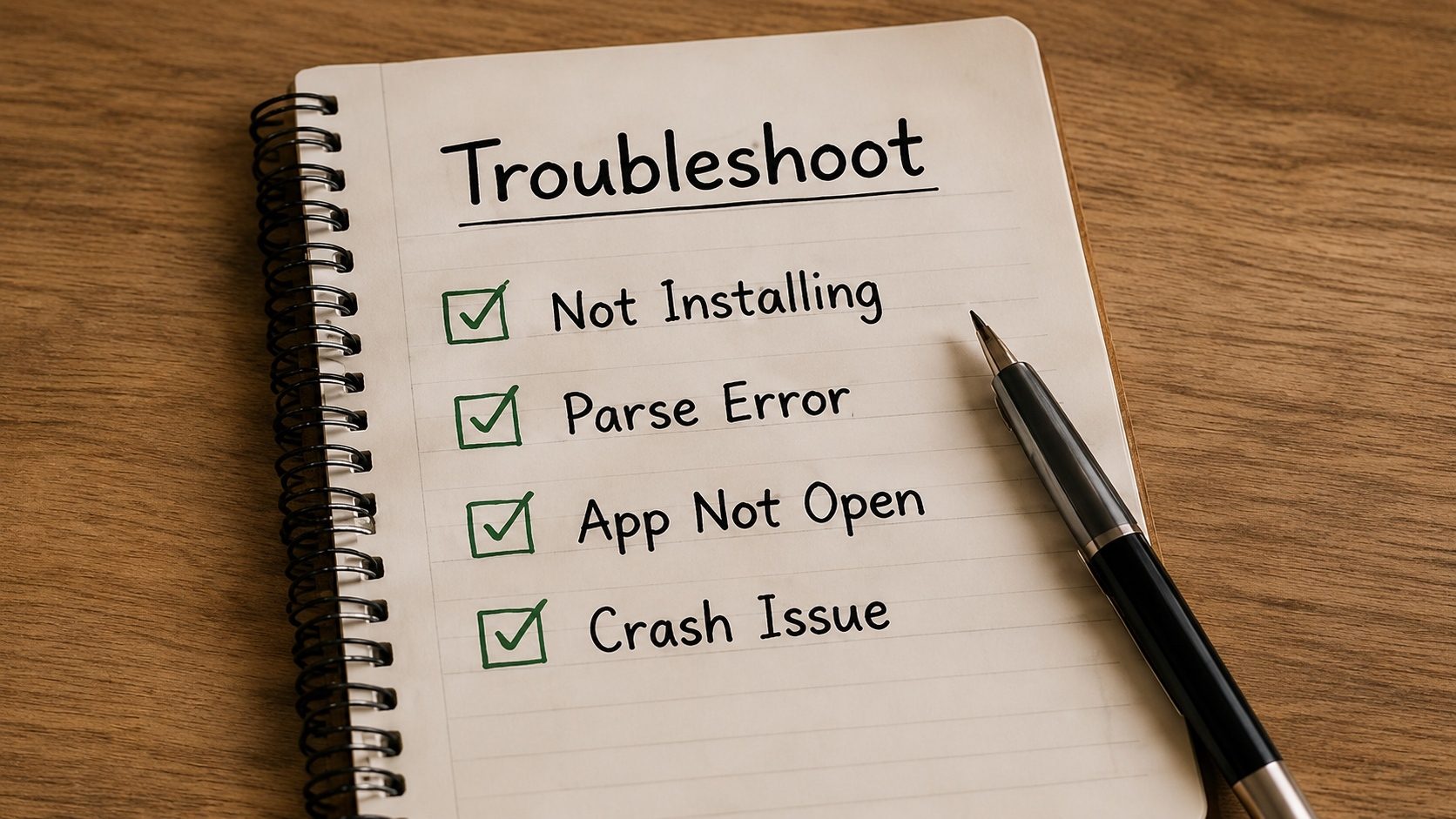
You downloaded a new game or tool, tapped install, waited a few seconds, and Android came back with the laconic "App not installed". No error code, no log, no hint. It is the most common generic install failure on the platform, and it can mean ten very different things depending on the actual underlying error.
What follows is every reasonably common cause, ordered roughly by how often we run into it, each
with a one-line fix and a short explanation of why that fix works. At the end we show how
to pull the real error out of logcat for the times the on-screen message isn't
enough.
Common Cause #1: Low Storage Space
Even if an APK is only 50MB, Android needs about 3-4 times that space to decompress the files, verify the library data, and move it to the system partition. If you have less than 1GB free, your installation is at high risk of failing.
The Fix: Clear your "Downloads" folder or delete a large game you no longer play, then try again.
Common Cause #2: Signature Mismatch
As explained in our signing deep-dive, Android uses cryptographic signatures for security. If you have the official Facebook app installed and try to "update" it with a version from a random APK site, the signatures won't match, and Android will block the installation to protect your data.
The Fix: Uninstall the existing app first (warning: this deletes your data). Then install the new APK.
Play Protect Blocks
Google Play Protect sometimes blocks "Unknown Apps" even if they are safe. Try disabling Play Protect in the Play Store > Menu > Play Protect > Settings temporarily for the installation.
Common Cause #3: Corrupted or Incomplete Downloads
If your internet connection drops for a split second, the APK might "finish" downloading but be missing a few bytes of code. Android's ZIP verification will detect this and abort.
The Fix: Delete the file and download it again using a stable Wi-Fi connection. Verify the file's SHA-256 hash using our APK Verifier.
Common Cause #4: Incompatible SDK Version
Developers set a minSdkVersion. If you're trying to install an app built for Android 14 on a
phone running Android 10, it simply won't work.
The Fix: Check the app's requirements using our APK Info tool. If your Android version is too low, you'll need to find an older version of the app.
Common Cause #5: CPU Architecture Problems (ABI)
Android uses different processors (ARMv7, ARM64, x86). If you download an "ARM64" app for an old "ARMv7" (32-bit) phone, it will throw the "App Not Installed" error.
The Fix: Use our APK Info tool to see which ABIs the APK supports. If your phone's CPU isn't listed, download a "Universal" build or the correct specific version.
| Problem Description | Probable Reason | Quick Fix |
|---|---|---|
| Instant failure after clicking install | Signature conflict | Uninstall old app version |
| Installing... but fails at 90% | Insufficient storage | Clear 500MB+ space |
| "App not compatible with your device" | SDK or ABI issue | Find older/correct version |
| "Package Installer keeps stopping" | Installer cache error | Clear Cache for 'Package Installer' |
Common Cause #6: "Install blocked by Play Protect"
Google Play Protect scans every APK for known malware signatures before it installs. Even apps from reputable sources occasionally trip it: root tools, region-specific banking apps, modified system utilities, or simply apps Play Protect has not seen before. The dialog usually says "This app is unsafe" and offers an "Install anyway" button, which can require a tap-and-hold or a trip into Settings.
The fix: If you trust the source, use the small "Install anyway" link in the block dialog. If the dialog is missing, open the Play Store, tap your profile icon → Play Protect → Settings, and toggle Scan apps with Play Protect off long enough to install, then turn it back on. Always re-enable Play Protect afterwards; one-shot disablement is the safer pattern.
Common Cause #7: Verified Boot / Disabled Sideloading
Some Android-on-laptop variants and some carrier-locked devices ship with sideloading disabled by default. The error often looks identical to "App not installed", but no permission dialog ever appears.
The fix: Open Settings → Apps → Special app access → Install unknown apps, find the app you used to download the APK (Chrome, your file manager, Telegram, etc.), and toggle "Allow from this source" on. The toggle is per-source, not global; if you switch to a different file manager, you have to enable that one too.
Common Cause #8: Per-User Profile or Work Profile Conflicts
If your device has a work profile or a secondary user, an app installed in one profile can block installation of a differently-signed copy in another. Symptoms: install works on the personal profile but fails silently in the work profile, or vice-versa.
The fix: Confirm which profile you are installing into. On most launchers, the work profile shows a small briefcase badge. Either uninstall the conflicting copy from the other profile or settle for using the existing copy.
Common Cause #9: 64-bit-only Device, 32-bit-only APK
Modern mid-range and flagship Android devices ship without the 32-bit ABI at all; the kernel is built without it. A 32-bit-only APK simply has no native libraries the device can load and will fail with a generic "Not installed" error. The reverse (a 64-bit-only APK on a 32-bit phone) is much rarer in 2026, since the last 32-bit-only Android phones shipped years ago.
The fix: Read the APK's manifest and lib/ directory in our
APK Info tool, and you will see exactly which ABIs the
package contains. If the device's ABI list (visible in Settings → About phone →
Build details) does not overlap with the package's ABIs, find a different build.
Common Cause #10: Manifest installLocation mismatch
An app whose manifest sets android:installLocation="internalOnly" cannot be moved to
an SD card. If your internal storage is short on space and the OS tries to install to external
storage anyway (for instance, on some older Android One devices), the install silently fails.
The fix: Free up internal storage. The "move to SD" option is irrelevant for an internal-only app no matter how empty the SD card is.
Reading the Real Error from logcat
If none of the surface-level checks help, the underlying error is almost always visible in
logcat. With ADB set up on a computer:
adb logcat -c                       # clear old logs
adb install path/to/example.apk     # try the install (or trigger from the device)
adb logcat -d | grep -i "PackageInstaller\|PackageManager"
The output usually includes a line such as:
INSTALL_FAILED_INSUFFICIENT_STORAGE
INSTALL_FAILED_UPDATE_INCOMPATIBLE: Package com.example signatures do not match newer version
INSTALL_FAILED_INVALID_APK: AndroidManifest.xml is malformed
INSTALL_FAILED_OLDER_SDK: Requires newer SDK version
Each of these maps directly to a fix:
INSUFFICIENT_STORAGE: free space and retry.UPDATE_INCOMPATIBLE: signing-key mismatch with the existing install. Uninstall the existing app first.INVALID_APK: the file is corrupted; see our corrupt APK guide.OLDER_SDK: the app requires a newer Android version than this device runs.NO_MATCHING_ABIS: CPU architecture mismatch.VERIFICATION_FAILURE: Play Protect blocked it; see Common Cause #6.
If you do not have ADB available, an on-device alternative is the Settings → About phone → tap Build number 7 times → Developer options → Bug report flow, which captures the same logs into a zip file.
FAQ
Why does Android sometimes show no error message at all?
The system PackageInstaller activity has a strict timeout. If installation fails
before the user-facing dialog finishes drawing, the dialog simply dismisses with no message.
logcat still has the underlying reason.
Can a corrupted APK damage my phone?
No. The OS's package installer is sandboxed; a malformed APK can only fail to install. The actual risk from a bad APK is the code inside a successfully-installed app, not the install failure itself.
I'm getting "Parse error" specifically, not "App not installed". What's different?
"Parse error" is a stricter failure: the OS could not even read the file's structure. It is usually corruption (truncated download, ZIP-level damage). Re-download or run our corrupt APK recovery steps. "App not installed" usually means the file parsed fine but failed a later check.
Can I install an APK over the same app installed from Play Store?
Only if the APK is signed with exactly the same upload key (and uses the same v2/v3 signing
scheme). For most published apps that means: no, unless the publisher distributes the same APK
both ways. Side-loading "the same app" from elsewhere will trigger
INSTALL_FAILED_UPDATE_INCOMPATIBLE.
Find Out Why It Fails
Upload your APK now to see hidden metadata and compatibility warnings that cause installation errors.
Check APK CompatibilityConclusion
Clearing an "App not installed" error is mostly a process of elimination. Start with the cheap fixes, free up space and remove any old copy of the app, then work up to architecture and signature checks. The tools at XAPK to APK can take some of the guesswork out of the harder cases.