How to Fix a Corrupt APK File and Extract Assets
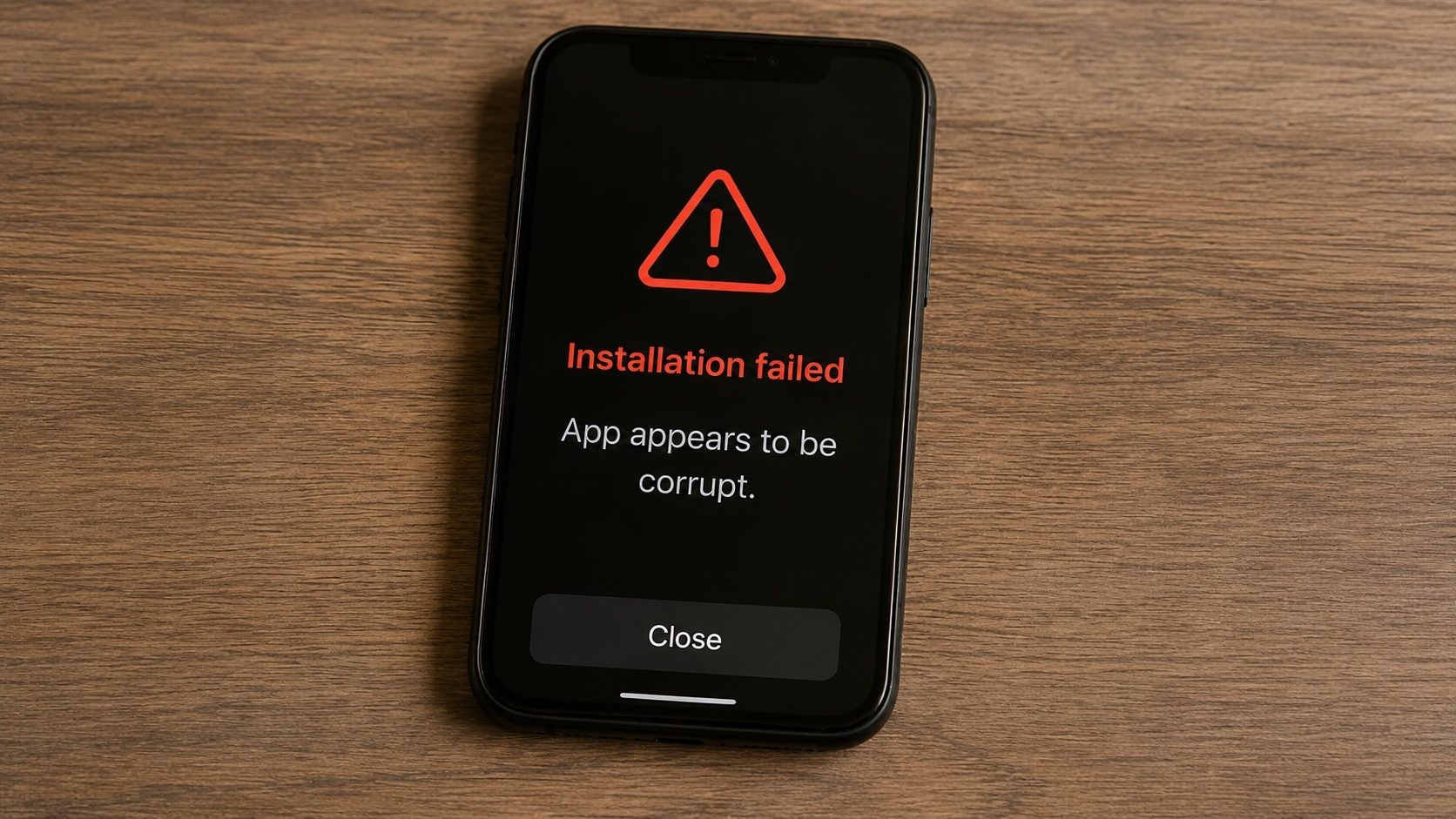
You’ve spent hours downloading a 2GB game bundle, only for your browser to say "Download Failed" at 99%, or worse, for Android to scream "Parsing Error: There was a problem parsing the package." A corrupted APK isn't necessarily a dead file. Because APKs are built on the ZIP compression standard, they can often be repaired, at least enough to extract the precious assets inside.
Below we get into what actually breaks inside an APK, the repair tools worth reaching for, and how our XAPK Converter can help when you are dealing with a broken bundle.
classes.dex. ZIP-level damage is repairable with zip -FF or
7-Zip. DEX-level damage is not; in that case, recover the assets you can and re-download a
clean APK. zipalign errors are not real corruption and are fixed in one command.
The Anatomy of APK Corruption
An APK is essentially a ZIP archive with a specific structure. Corruption typically happens in one of three places:
- The Header: The bytes at the very beginning of the file are missing or changed.
- The Manifest (XML): The
AndroidManifest.xmlis malformed or uses an unsupported encoding. - The DEX Code: The actual Java/Kotlin bytecode is truncated, making the app unrunnable.
Method 1: Headless ZIP Repair (Easiest)
If the file is "readable" but won't open, use a tool like DiskInternals ZIP Repair (Free) or
the command-line zip -FF command in Linux/macOS. These tools scan the file for "signatures" of
files and rebuild the central directory from scratch.
Code for Terminal users: zip -FF corrupt_app.apk --out fixed_app.apk
Method 2: Fixing Zipalign/Alignment
Sometimes an APK is "corrupt" simply because it isn't aligned on 4-byte boundaries. Android's memory management requires this. You can fix this using the zipalign tool from the Android SDK:
zipalign -v 4 input.apk output.apk
Bit-Rot Warning
If the DEX (classes.dex) file itself is missing data, no amount of ZIP repairing will make the app work. In this case, your only goal should be to extract the Assets/Resources and find a new copy of the app.
How to Tell What's Actually Wrong
Before you pick a repair tool, identify the failure. The error message Android (or your archive tool) shows is usually a clue:
| Symptom you see | What it usually means | What to try first |
|---|---|---|
| "Parsing the package" failed (Android) | ZIP central directory unreadable, or manifest version mismatch | ZIP header repair (Method 1) |
| "There was a problem parsing the package" + APK is slightly smaller than expected | Truncated download: the last few KB never arrived | Re-download from the same source; ZIP repair if re-download is unavailable |
| 7-Zip / WinRAR opens it but reports "CRC error" on individual files | Individual file inside the ZIP is damaged | Extract everything except the damaged member, then look at what's missing |
| "App not installed" with no further detail | Often signature mismatch or alignment issue, not real corruption | zipalign + signature re-check (Method 2) |
Crashes immediately after install with java.lang.VerifyError |
classes.dex bytecode is damaged or version-incompatible |
Not recoverable by repair. Re-obtain a clean copy. |
A Concrete Walk-Through
Imagine you ended up with a 320 MB APK whose download was interrupted at roughly 99%. Your phone refuses to install it with "Parsing the package failed." Here is how to attack it on a Windows or macOS workstation, in the order you would actually try things.
Step 1. Confirm the file is at least mostly there
Check the file size against whatever the source advertises. If the file is dramatically smaller
(say, 220 MB instead of 320 MB), the download was severely truncated and there is little
point repairing the wrapper: large parts of classes.dex or the assets are simply
missing. In that case, restart the download.
Step 2. Test the ZIP structure
Open a terminal in the folder containing the APK and run, on macOS or Linux:
unzip -t broken.apkThe tool will report each file inside the archive and any CRC errors. If only a handful of entries
error out and they are not classes*.dex or resources.arsc, you have a
decent chance of producing a working install.
Step 3. Rebuild the central directory
If unzip -t complains about the central directory itself ("end-of-central-directory
signature not found", "missing 1 EOCD"), use the "fix" mode:
zip -FF broken.apk --out fixed.apkThe -FF flag tells zip to scan the file for local file-header signatures
and rebuild the directory entry-by-entry. The output, fixed.apk, is what you actually
try to install.
Step 4. Realign and re-sign if necessary
After any structural change, the APK's signature is no longer valid, because modifying even one byte invalidates the v2/v3 signature blocks. If you have your own signing key (this is fine for builds you own), align and re-sign:
zipalign -v 4 fixed.apk aligned.apk
apksigner sign --ks my.keystore aligned.apk
Without your own key, the only way to install the file is via existing install with the same signing certificate, which means a repaired APK from a third party will not install on top of an existing Play Store install, since the signing chain has changed.
When Repair Is the Wrong Goal
It is worth being honest about what "fixing" can and cannot do:
- You cannot recover bytes that never arrived. If the download was truncated, no header repair will reconstruct missing data. Re-download.
- Bit-rot is permanent. If a file sat on storage that flipped a few bits inside
classes.dex, the bytecode verification step at install time will reject it, and there is no way to know what the original bytes were supposed to be. - Repaired files have new signatures. Even a perfectly fixed APK is no longer signed by the original publisher. That is a feature, not a bug: it prevents an attacker from slipping malicious code into a popular app and re-signing as if they were the original publisher.
If your goal was simply to play a game whose download died at 99%, the path of least resistance is almost always to clear the partial file, free up disk space, and download again from a reliable connection. Repair tools shine when re-download is impossible: old archived APKs, files received over a flaky LAN transfer, or backups whose original source is gone.
Frequently Asked Questions
Can I extract the icons and screenshots from a broken APK?
Usually yes. Icon files live under res/mipmap-* and screenshot data is rare in APKs to
begin with. Even when the central directory is damaged, individual file headers are intact often
enough that 7-Zip's "Extract with errors ignored" option will pull most images out.
Will a repaired APK update an installed app?
Only if the repair preserved the original signature, which is generally impossible after a structural fix. Treat a repaired APK as a fresh install: uninstall the old version first (you will lose its data) or install on a device that does not yet have the app.
Is there an online tool that does all of this?
Browser-based tools can read an APK's structure and tell you what is broken (our APK Info tool does exactly that), but actually rewriting the ZIP and re-signing requires either a desktop tool or a server. We deliberately do not run the re-sign step on a server because that would mean uploading your file: the privacy promise of this site is that nothing leaves your browser.
What about XAPK files that fail to extract?
An XAPK is just a ZIP, so the same techniques apply. Run zip -FF on it to recover the
inner APK plus any OBB files, then proceed as if you had a damaged APK and a separate OBB.
If your goal is just to get the graphics, sounds, or OBB data from a failed download, use 7-Zip. 7-Zip is more aggressive than the Windows Explorer ZIP tool and will often let you "Ignore errors" to extract files that are only partially downloaded.
Deep Scan Your APK
Upload the file to our analyzer to see if the structure is valid or if the manifest is unreadable.
Analyze File HealthConclusion
A "Parsing Error" is the OS giving up. By using the tools mentioned above, you take control back. While you can't always "fix" a broken app to make it run, you can almost always recover the data inside. For more tips on managing large files, check out our guide on Merging Split APKs or Extracting OBB Game Data.